Describe it. Monito edits it.
Monito’s assistant, on iPhone, iPad, Mac, and Apple Vision Pro.
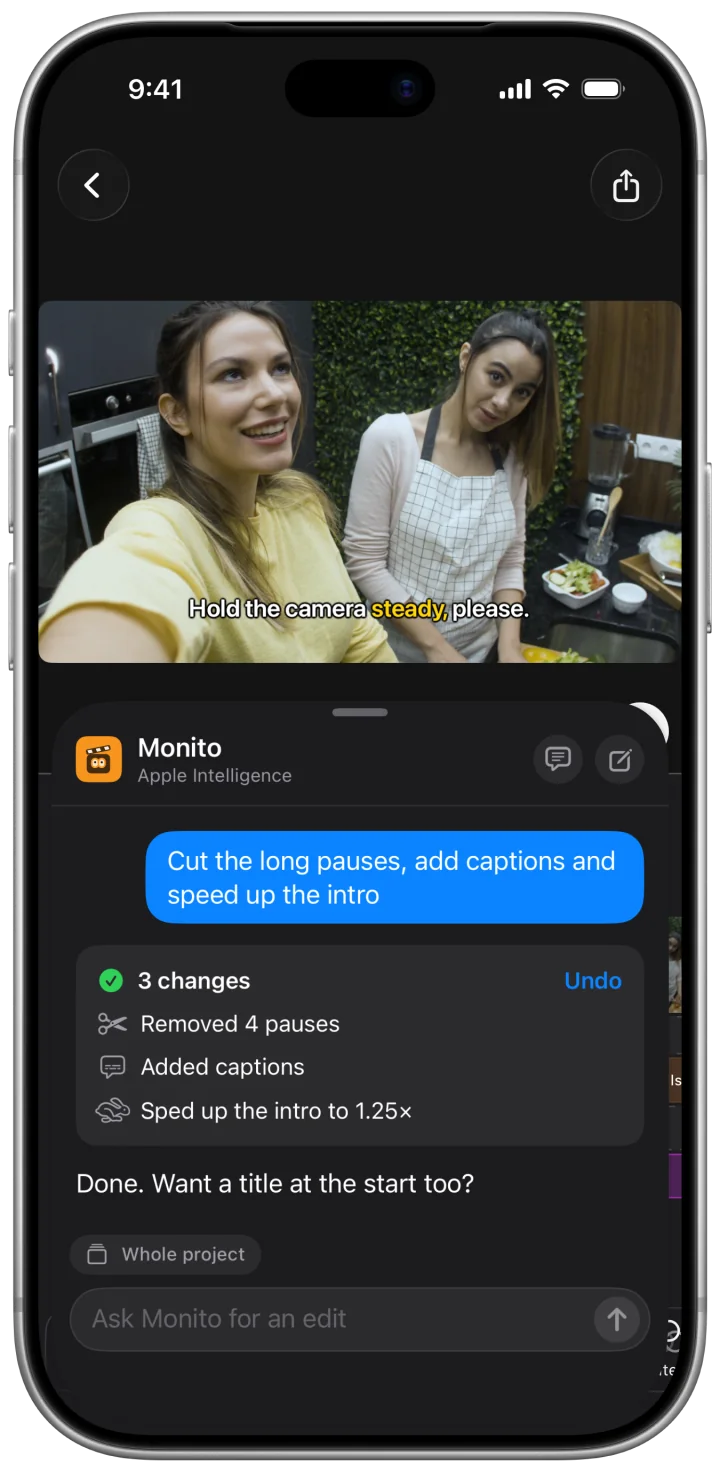
Type what you want, like “remove the long pauses” or “add captions”, and Monito makes the edit. It lists every change, and one tap undoes it.
Free to try · No account needed
How it works

Step 1
Ask in your own words
One request can hold several edits.
Step 2
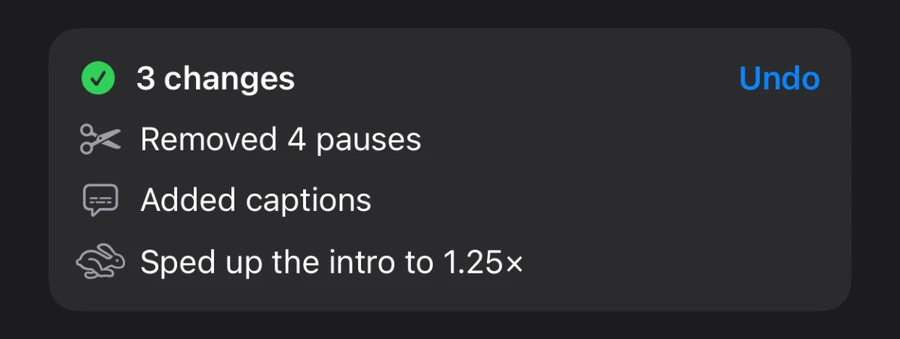
See every change
Monito lists what it did. One tap undoes it.
Step 3
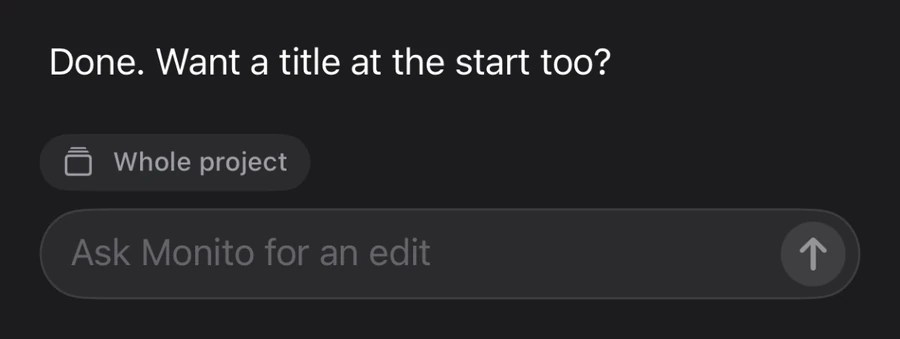
Keep going
Ask for the next edit, or adjust the result on the timeline.
Try asking
Cuts, captions, text, transitions, or zooms. Type it the way you’d say it.
- “Remove the long pauses.”
- “Add captions in Spanish.”
- “Make the captions yellow and bigger.”
- “Put a title at the start that says ‘Day 1 in Tokyo’.”
- “Fade the music out at the end.”
- “Add a crossfade between every clip.”
- “Zoom in slowly on the first clip.”
- “Cut the first 5 seconds.”
Built in, on every device
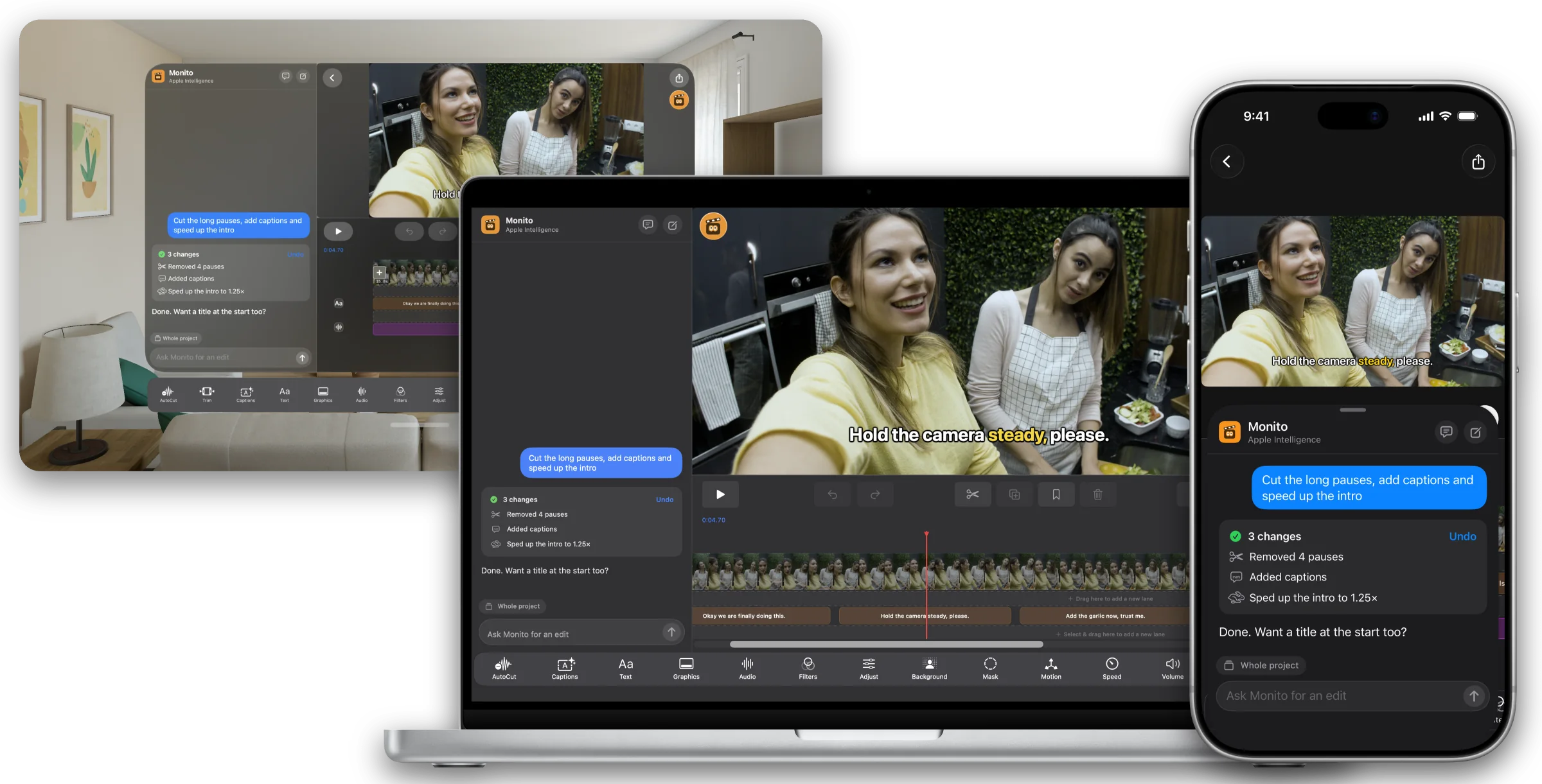
The same assistant on iPhone, iPad, Mac, and Apple Vision Pro. Open a project and type. No account, no other app.
Questions? Answers.
Which devices does it work on?+
iPhone, iPad, Mac, and Apple Vision Pro. Monito’s assistant is built into Monito on each one.
What can I ask for?+
Cuts, captions, text, transitions, and zooms. Type it the way you’d say it, like “remove the long pauses”.
Do I need Apple Intelligence?+
No. Monito’s assistant runs on Apple Intelligence with OS 27 or later, or on Cloud AI on any device with internet. You can pick the engine in Settings.
Is it free?+
Everyone gets free tries. Monito Pro unlocks it, as a subscription with weekly Cloud AI credits or a one-time Lifetime purchase. On Apple Intelligence it needs no credits. See pricing.
Can I undo what it does?+
Yes. It lists every change it makes, and one tap undoes it. You can keep adjusting the result on the timeline.
Are my videos uploaded?+
No. Your video and audio files never leave your device. The assistant sends only what it needs to decide on edits: your request, transcripts, timing, and a description of your timeline, plus a few still frames when it needs to see your video. Cloud AI never uses this to train AI models. Details in the Privacy Policy.
Can I use Claude or another AI app too?+
Yes, on Mac. Agent Access lets Claude, Codex, or Cursor edit your Monito projects too.