Remove silences automatically
AutoCut cuts the dead air for you.
Long pauses, the seconds before you start talking, the gaps between takes: AutoCut finds the silences and removes them, so your video gets to the point.
Free to start · No account needed
How it works
Open your video and tap AutoCut. Monito finds the silences and dead air and cuts them out.
Type “remove the long pauses” and Monito’s assistant makes the edit. It lists every change, and one tap undoes it.
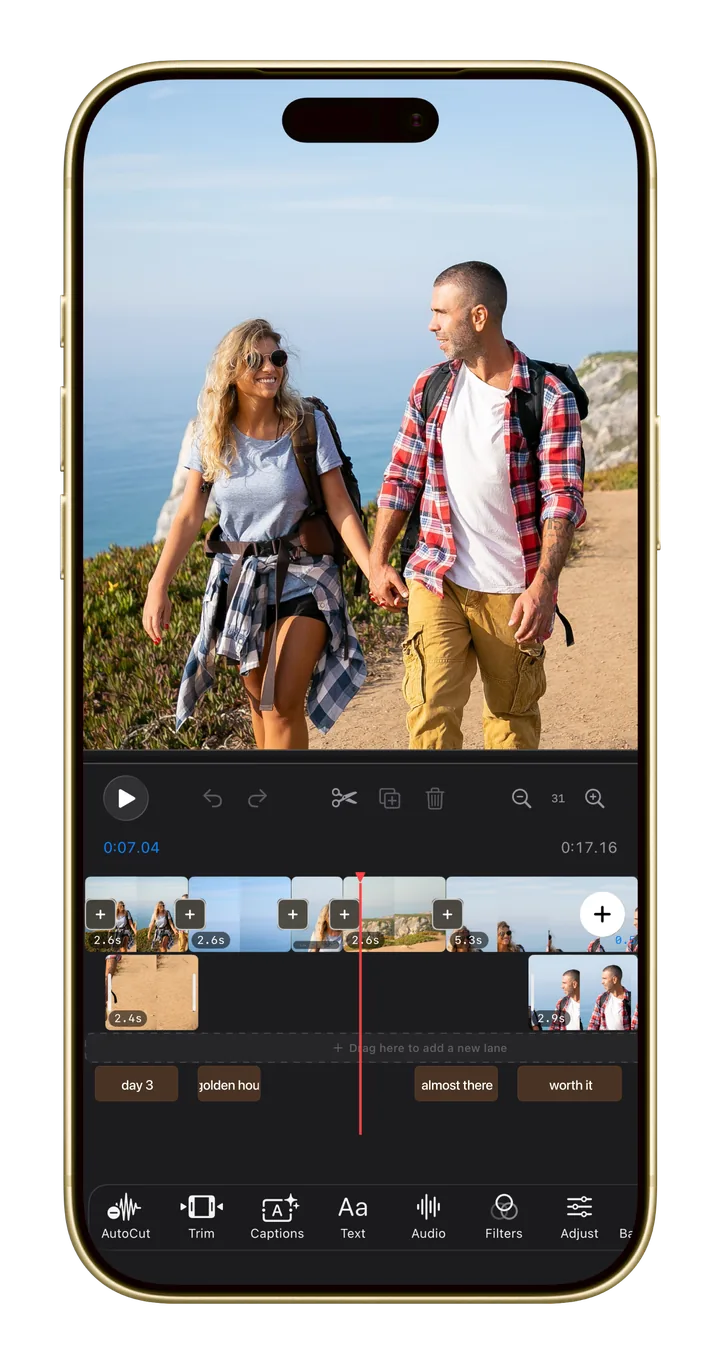
Your video stays on a multi-track timeline, so you can adjust the result by hand.
Less time editing, more time posting
Vlogs, tutorials, interviews, and podcasts get tighter in one tap.
Tell Monito’s assistant to “remove the long pauses”, and it makes the cuts for you.
AutoCut works the same on iPhone, iPad, and Mac.
Free to start. Pro when you're ready.
AutoCut is free to try. Monito Pro unlocks unlimited AutoCut and 4K export with no watermark. See the plans.