Teleprompter for iPhone, iPad & Mac
Your script over the camera, scrolling as you speak.
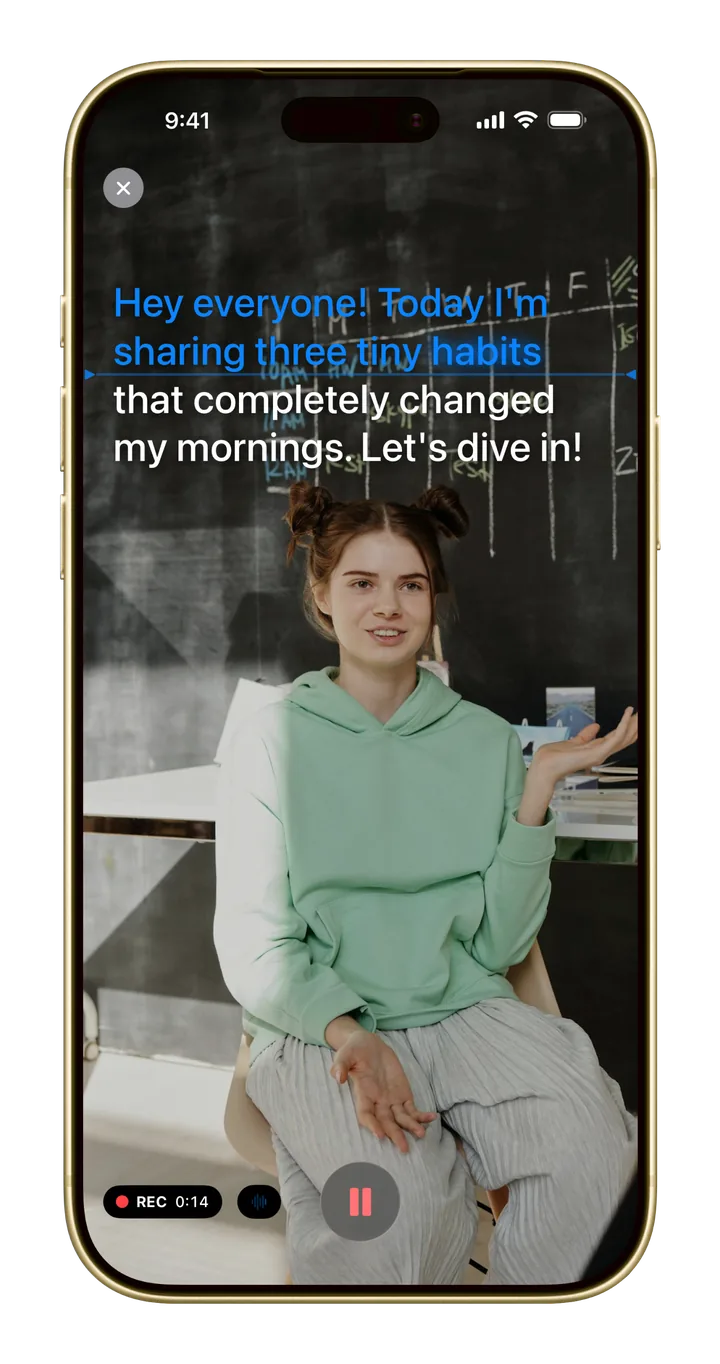
Look into the lens, not at your notes. Add your script, hit record, and read it while you film. Then edit the take in the same app.
Free to start · No account needed
How it works
Write or paste what you want to say.
Your script scrolls over the camera while you speak, so you keep eye contact with your viewers.
The take opens in Monito’s editor: add captions, cut the pauses with AutoCut, add music, and export.
More than a prompter
The Teleprompter is part of Monito’s free plan.
The same Teleprompter on your phone, your tablet, and at your desk.
A setting keeps recording after the text ends, so you stop when you’re ready.
Free to start. Pro when you're ready.
The Teleprompter is free. Free exports have a daily limit and a watermark; Monito Pro removes the watermark, Teleprompter recordings included, and exports up to 4K. See the plans.